Effective collaboration is essential for driving innovation and maximizing productivity in a fast-paced work environment. Webex has revolutionized how teams connect, creating an integrated experience that allows ideas to grow, expand, and thrive. Whether you’re at a desk, a huddle space, an ideation room, or a boardroom, Webex ensures simple, secure, and intelligent collaboration.
Let’s take a look at how Webex can transform a typical workday, providing an intelligent, integrated workplace experience that empowers teams to work smarter, not harder.
9:00 AM – Starting the Day at the Desk
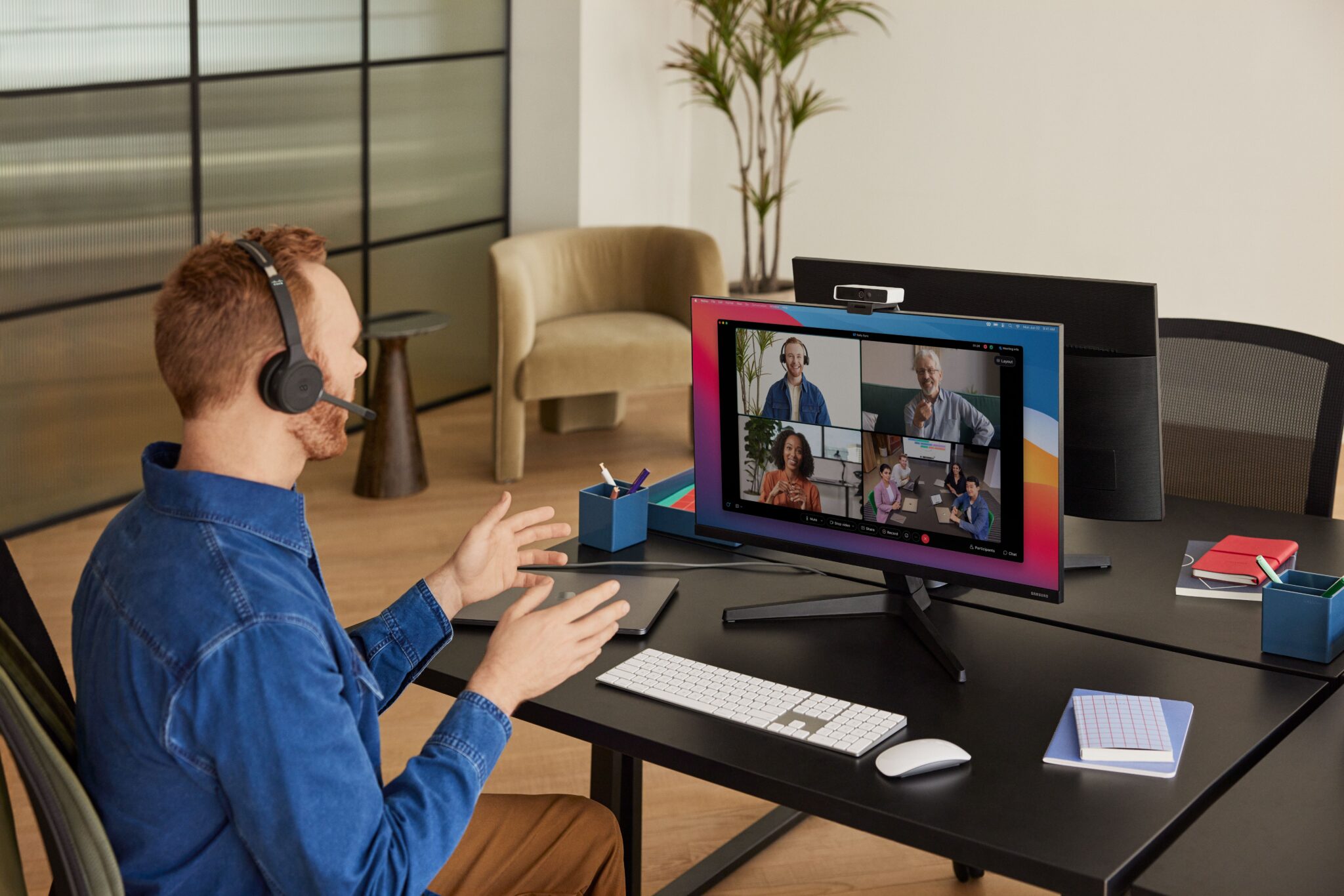
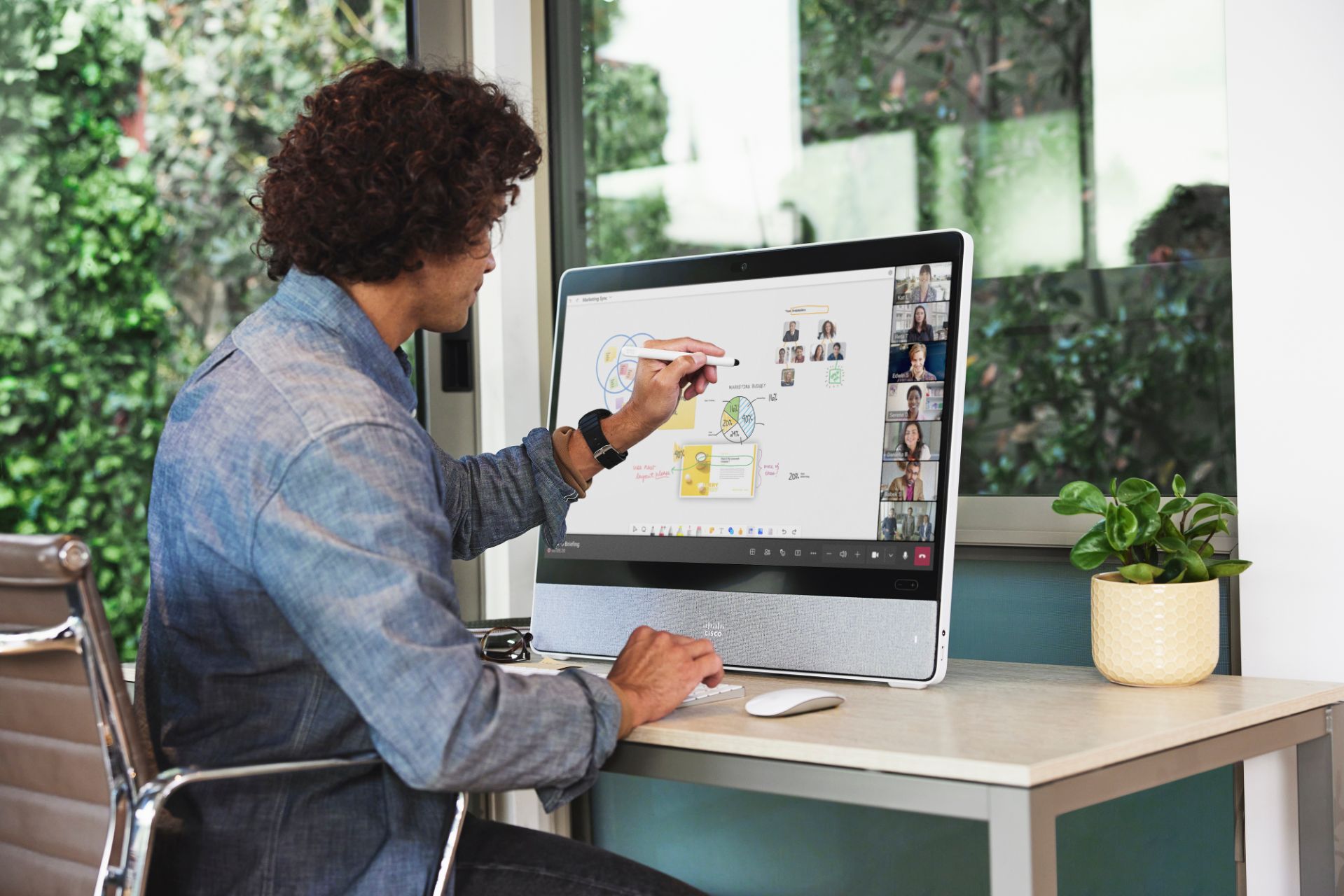
The day begins by prioritizing tasks and conducting a stand-up meeting using Webex Desk, designed for optimal desk collaboration.
Key Features:
- Instant join: Reminders for upcoming meetings make it easy to join with just a click.
- High-quality video and sound: Clear communication ensures no important details are missed.
- Noise detection and suppression: Webex filters out distracting background noise, maintaining a professional atmosphere.
- Digital whiteboarding: Teams collaborate in real time, gathering feedback seamlessly during the meeting.
11:00 AM – Preparing for a Client Meeting in the Huddle Space
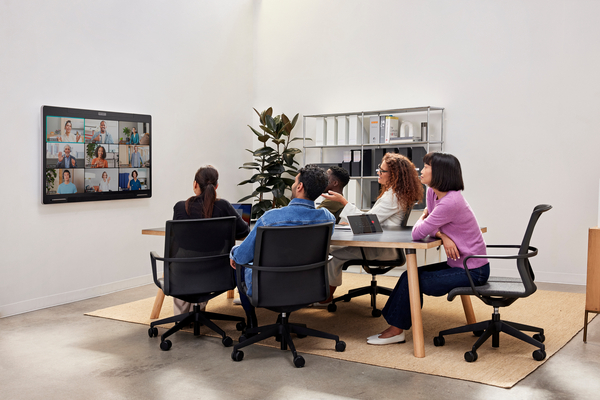
Later in the morning, the design team gathers in the huddle space, using Webex Room Bar to prepare for a client briefing.
Key Features:
- Third-party meeting support: With a single click, it’s easy to join the client’s meeting, while leveraging Webex’s powerful camera, speakers, and microphones.
- Intelligent views: The camera automatically keeps the speaker in focus, ensuring everyone is always in view.
- Immersive experience: Spatial stereo audio and HD video create a life-like, engaging meeting atmosphere.
- Wireless content sharing: Presentations and prototypes are easily shared using Webex, Apple AirPlay, or Miracast.
1:00 PM – Hot Desk After the Client Meeting
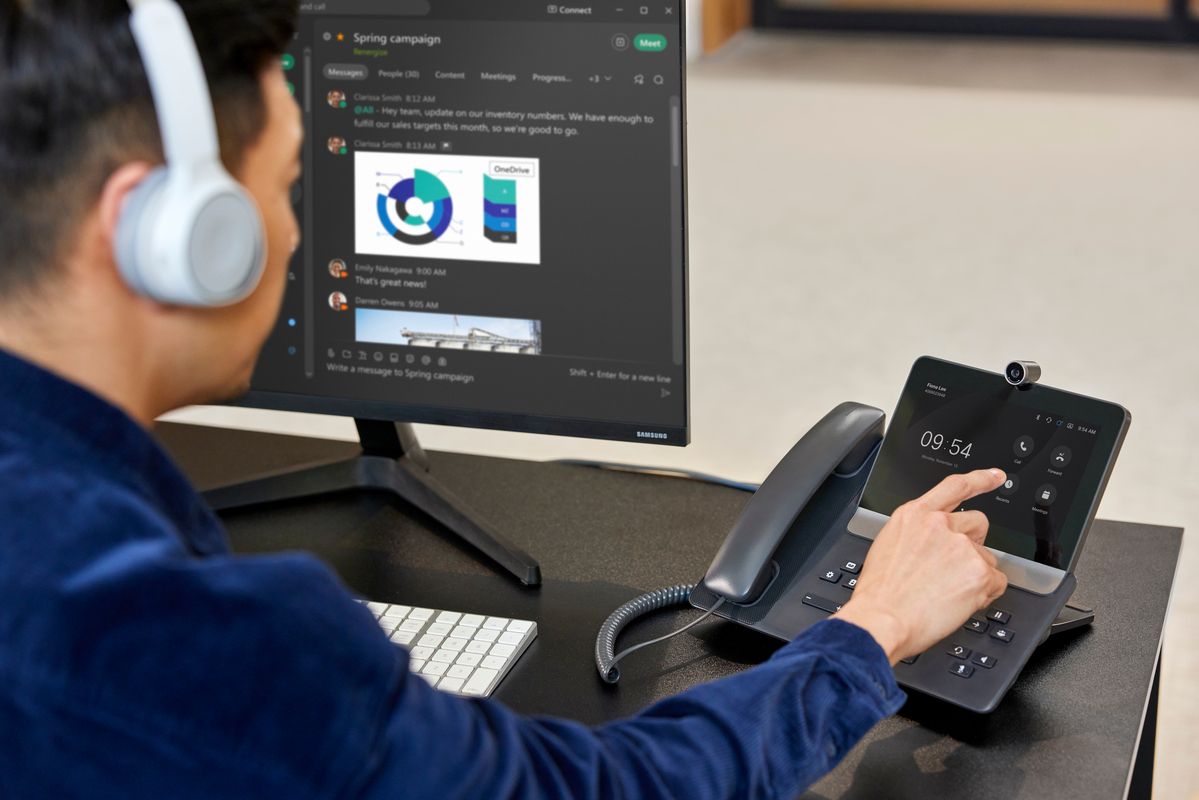
After the client meeting, it’s time to move to an open desk and use Webex Desk Hub to transform the shared space into a personalized workstation.
Key Features:
- Personalized space: Docking a phone allows instant access to the calendar and meetings.
- Desktop collaboration hub: Quickly connect a monitor and Cisco Desk Camera to get started.
- Device pairing and charging: Webex seamlessly pairs with phones and headsets while keeping them charged.
- Webex Assistant: With voice commands, meetings can be controlled hands-free.